Photo Quality Guide
A clear, high-quality photo helps us create the best possible personalised Ultimate Darts Card.
Choose a suitable photo
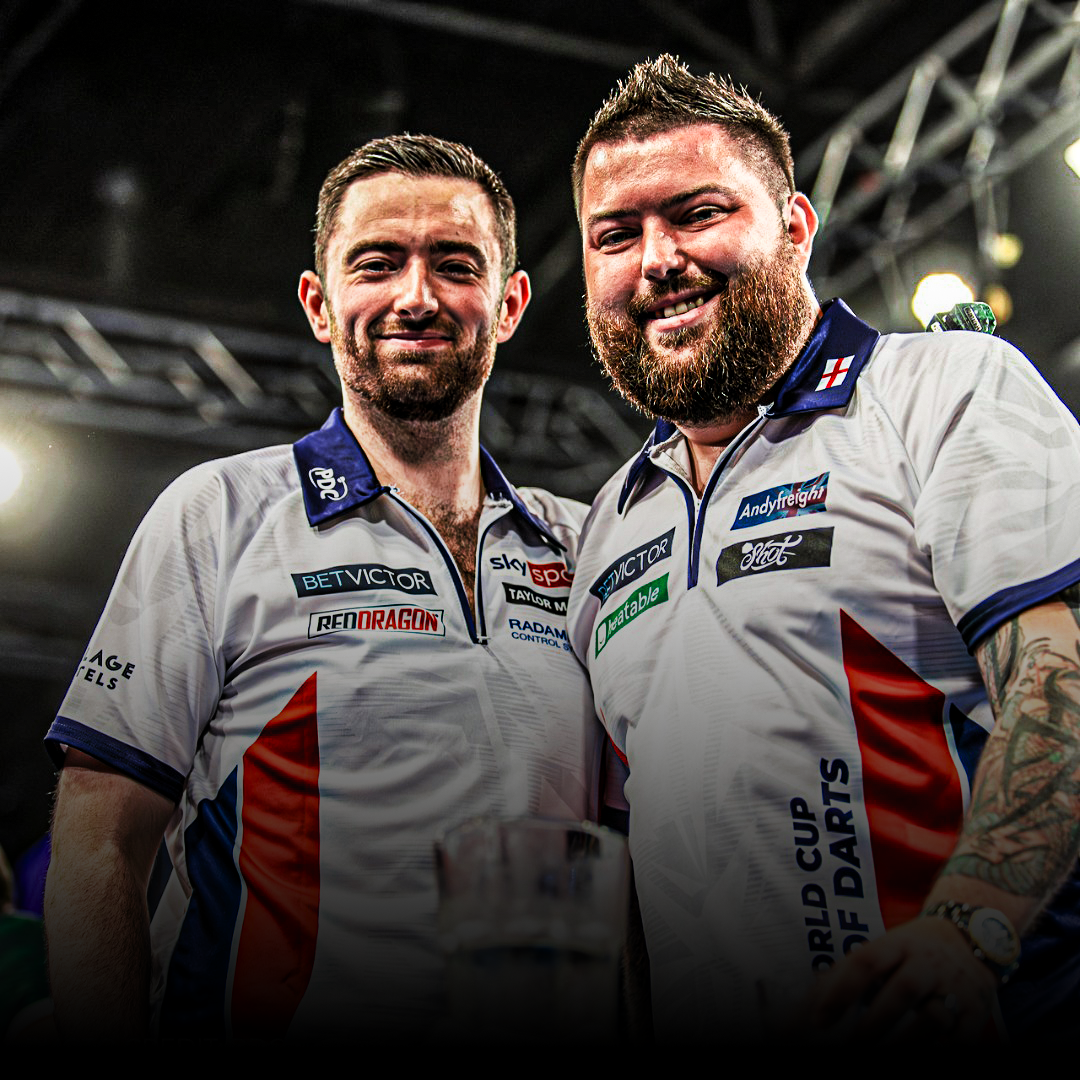
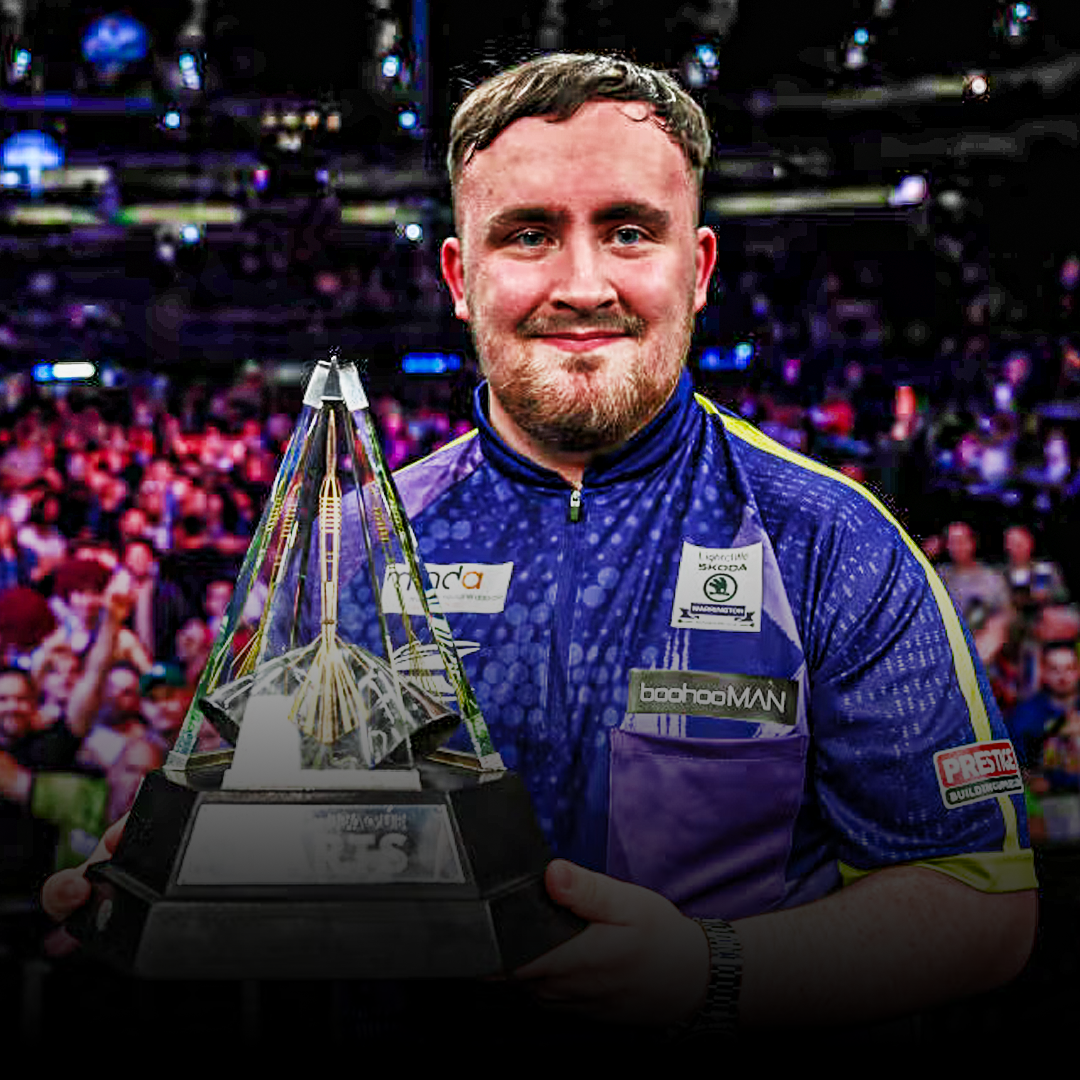
- Keep the full head, shoulders and chest in the frame. Avoid cutting off hair, arms or clothing that you want to appear on your card.
- Use a sharp photo taken in good daylight. Avoid dark, blurry or heavily filtered images.
- Send the original file at its highest available resolution. Screenshots and images downloaded from social media or messaging apps may have reduced quality.
- Make sure the person stands out clearly from the background.
Do I need to remove the background?
No. Send the complete photo. Our designers remove the background and prepare the image for your card.
Not sure whether your photo is suitable?
Contact us before ordering and we can help you check it. The quality of the original photo affects the final print.
UNMATCHED MARKET DOMINANCE.